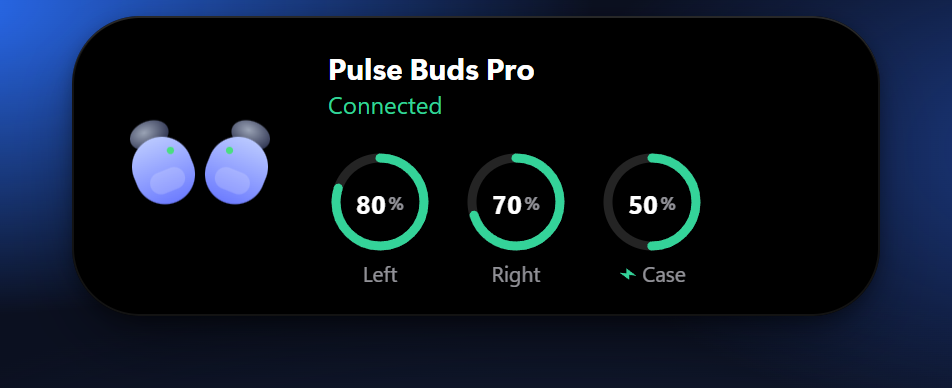
Earbuds battery beta
A small card with left, right and case battery when your earbuds connect. Works with AirPods-style earbuds and headsets that report battery to Windows.
 Topcue
Download
For Windows 10 and 11
Topcue sits at the top of your screen, right under your webcam. One mute that works in every call app, notes you can read while you keep eye contact, and the little things you check all day.
7-day free trial with everything · no account · no tracking
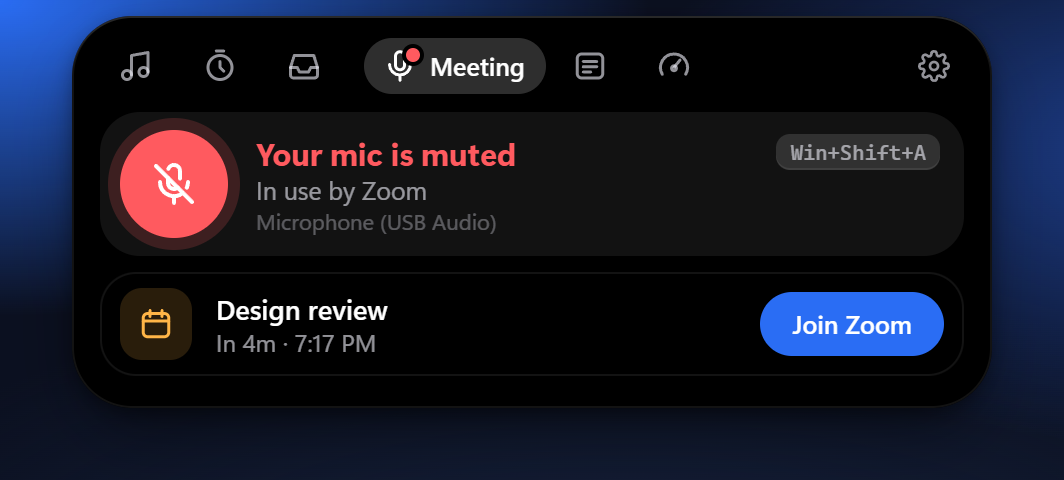
Press one shortcut (or click the pill) and your microphone is muted in Windows itself, so Zoom, Google Meet, Teams and Discord all get silence. No more hunting for the right window.
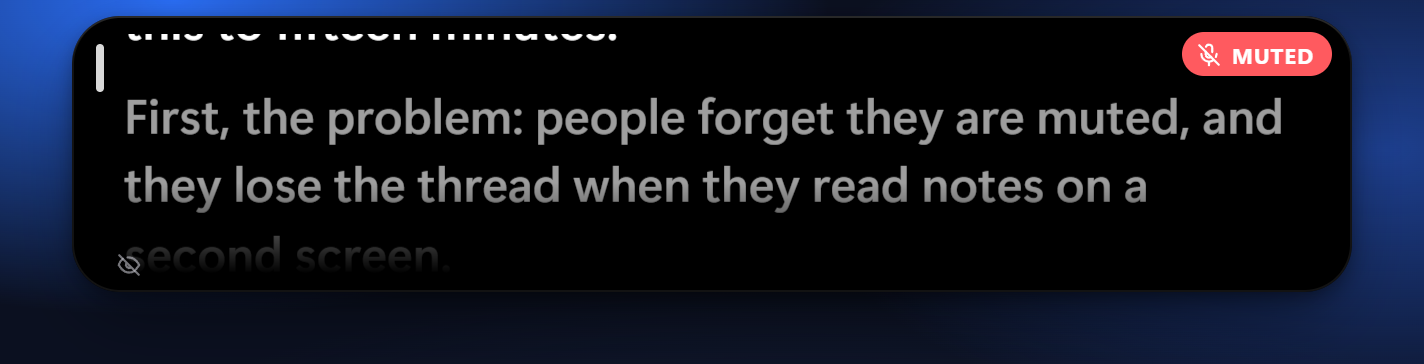
Your script or talking points scroll in a strip right under the webcam, so you can read and still keep eye contact in calls, demos, interviews and recordings.
A small card with left, right and case battery when your earbuds connect. Works with AirPods-style earbuds and headsets that report battery to Windows.
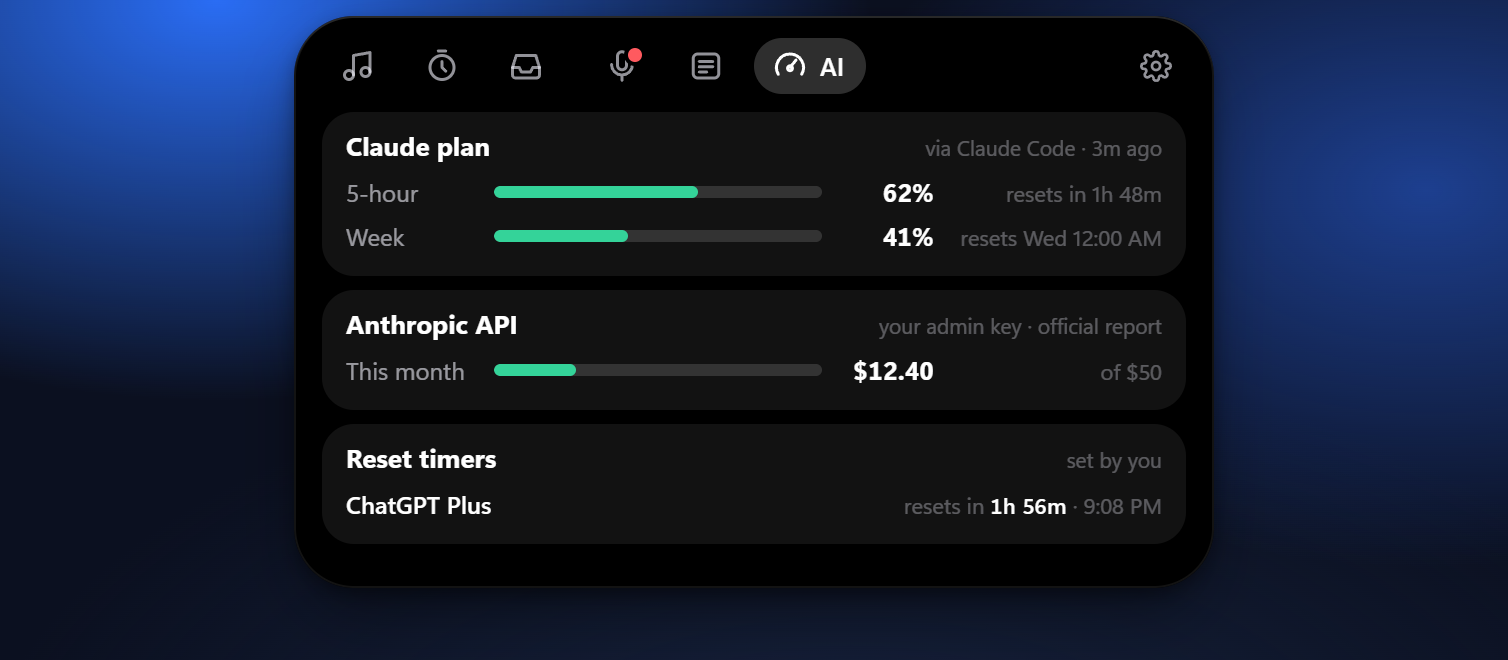
Your Claude plan's 5-hour and weekly limits (via Claude Code), your API spend with your own admin key, and reset timers for anything else. No passwords, no cookies.
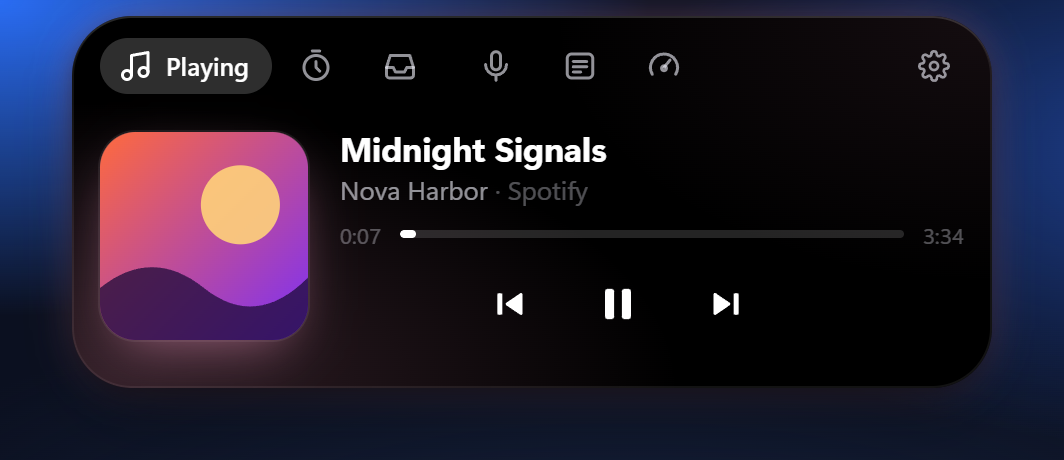
Now playing with controls (Spotify, YouTube, any app), a focus timer, a drop shelf to park files and drag them out anywhere, five themes.
No account. No tracking. Your notes, calendar and settings stay on your PC. Topcue only goes online for your licence check, the calendar link you add, and AI billing reports if you add a key. It's a normal app: no tricks inside Windows.
$6.99 launch price
Goes up to $9.99 after launch
One-time payment. No subscription.
Windows 10 (version 2004 or newer) and Windows 11. Orders are processed by our online reseller Paddle.com, the Merchant of Record. Prices may include tax depending on where you live.
Topcue is new and not code-signed yet, so Windows SmartScreen shows a blue warning the first time you run the installer. To continue: click More info, check that the app name is Topcue, then click Run anyway. Your browser may also say the file isn't commonly downloaded; choose Keep. If your PC has Smart App Control turned on, Windows may block unsigned apps completely, so Topcue can't run on that PC yet. The free trial lets you check this before you pay.
Yes. Topcue mutes the microphone in Windows itself, so every app that uses that mic gets silence. Some virtual microphones (from voice changers or noise filters) ignore the Windows mute; Topcue checks for that and warns you, and by default it mutes every mic on your PC. Your call app may still show you as unmuted, because the silence comes from Windows.
Not in screen sharing or recordings that use Windows screen capture, which is how sharing and recording apps capture the screen. We tested all three capture methods Windows offers. A phone filming your screen or a hardware capture card would still see it. Needs Windows 10 version 2004 or newer.
For 7 days everything works. After that, Topcue asks for a licence key. Buy once for $6.99, and you get a key you can use on up to 3 PCs.
None about how you use the app. For the licence check we store your key, your order details from Paddle and a one-way code for each PC it's activated on. See the Privacy policy.
Topcue is made by ChartNox, so Paddle receipts show ChartNox. Paddle runs our checkout as the reseller and Merchant of Record.
Yes, within 14 days of buying, for any reason. See the Refund policy.
No, Topcue is made for Windows 10 and 11.
See Lost your key?